Mobile App - Payments
The Payments section lets you record the payments received from your customers and review them.
Screen Overview
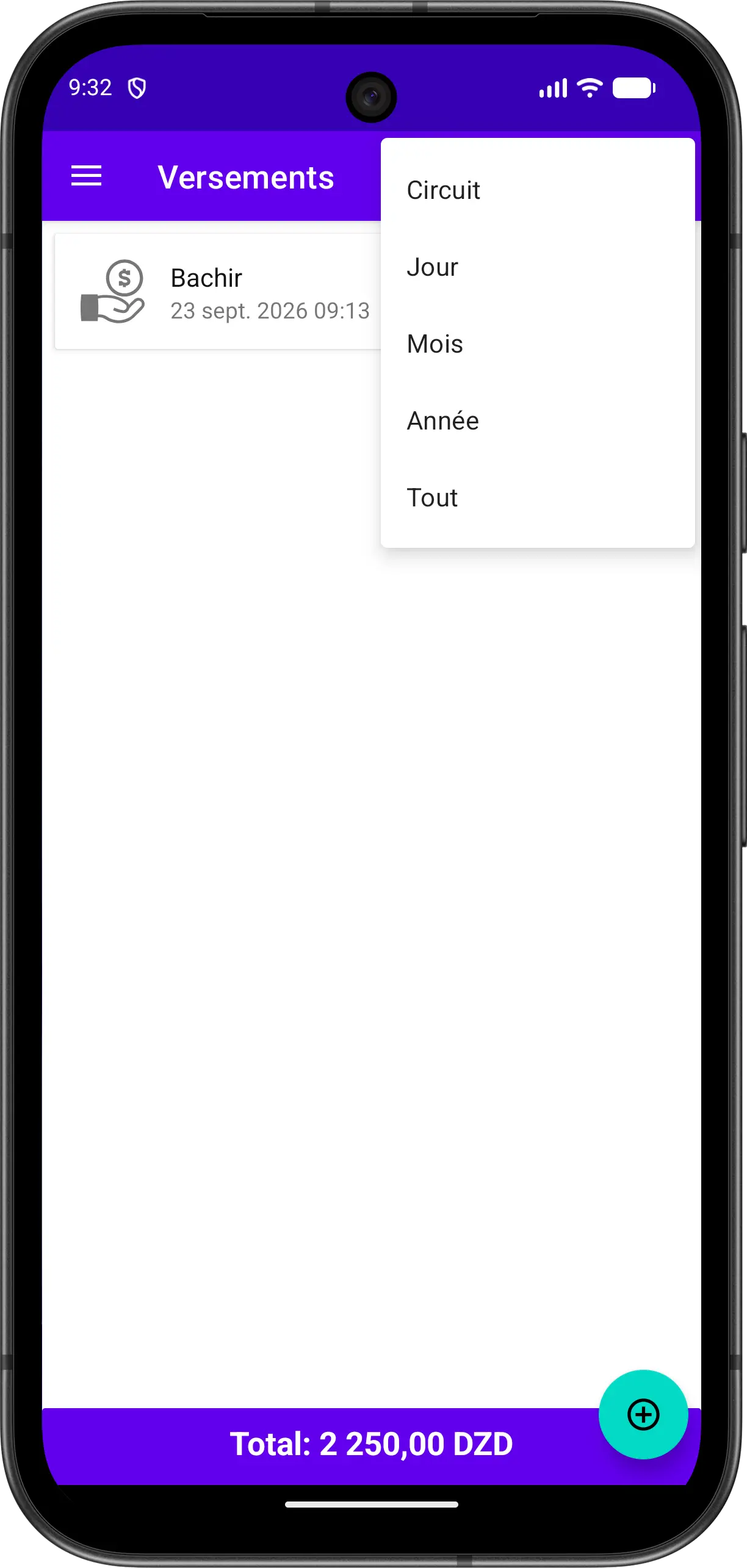
The screen displays the list of payments with the customer name, the date, the amount, and the total of the listed payments at the bottom. Use the filter menu at the top to display the payments of the current circuit, day, month, year, or all of them.
Make a Payment
You can make a payment in two ways:
From the payments section
- Open the Payments section from the menu
- Tap the floating button to add a payment
- Choose the customer
- Enter the amount and confirm
From the clients list
- Open the clients list
- Choose the customer
- Tap the floating button and select Payment
- Enter the amount and confirm