Mobile App - Expenses
The Expenses section lets you record the costs you incur during your day and review them.
Screen Overview
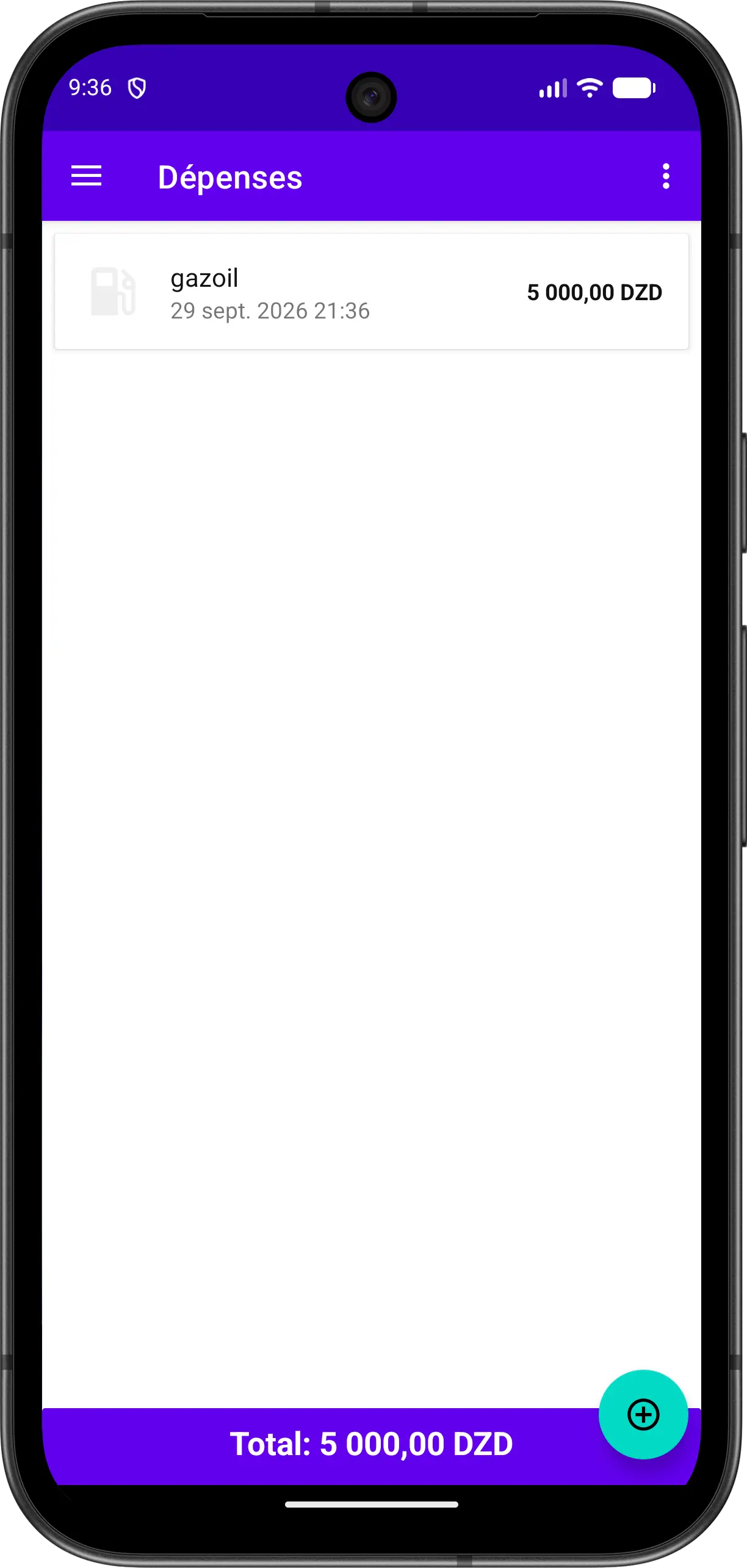
The screen displays the list of expenses with:
| Element | Description |
|---|---|
| Category Icon | Icon of the expense category |
| Label | Name of the expense |
| Date and Time | When the expense was recorded |
| Amount | Amount of the expense |
| Total Bar | Shows the total of all listed expenses |
Add an Expense
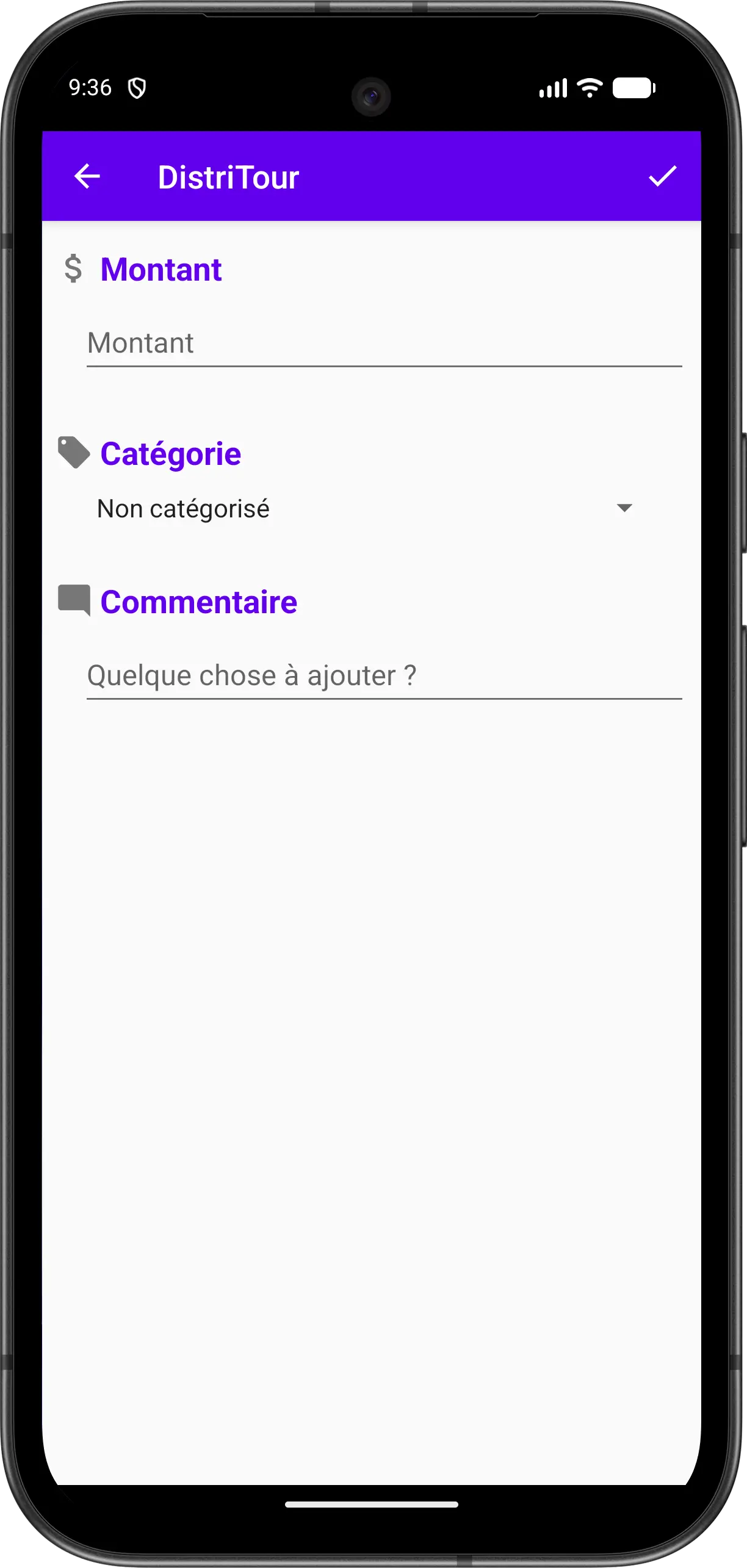
- Tap the floating button at the bottom right
- Enter the amount
- Select a category
- Add a comment if needed
- Tap the confirm icon at the top right to save