Mobile App - Deliveries
The Deliveries section lets you record deliveries made to your customers and review the ones already made.
Screen Overview
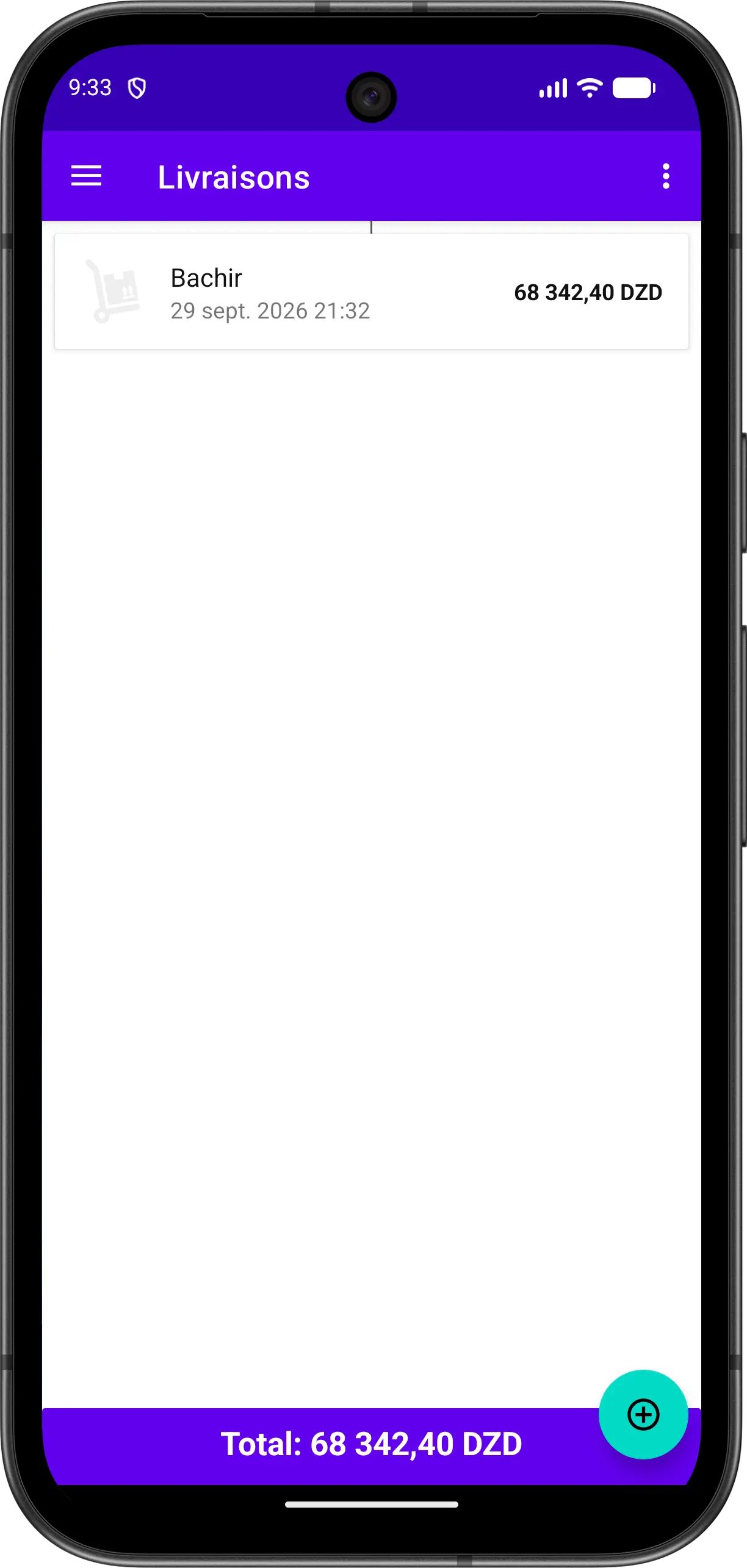
The screen displays the list of deliveries with:
| Element | Description |
|---|---|
| Delivery Icon | Icon representing the delivery |
| Customer Name | Customer who received the delivery |
| Date and Time | When the delivery was made |
| Amount | Total value of the delivery |
| Total Bar | Shows the total of all listed deliveries |
Make a Delivery
You can make a delivery in two ways:
From the deliveries section
- Open the Deliveries section from the menu
- Tap the floating button to add a delivery
- Choose the customer
- Add the products and quantities delivered, then confirm
From the clients list
- Open the clients list
- Choose the customer
- Tap the floating button and select Delivery
- Add the products and quantities delivered, then confirm
Deliver an Order
If the delivery corresponds to an order, you can deliver it directly from the order. See Mobile Orders.