Mobile App - Charge Requests
The Charge Requests section lets you request products to restock your inventory.
Screen Overview
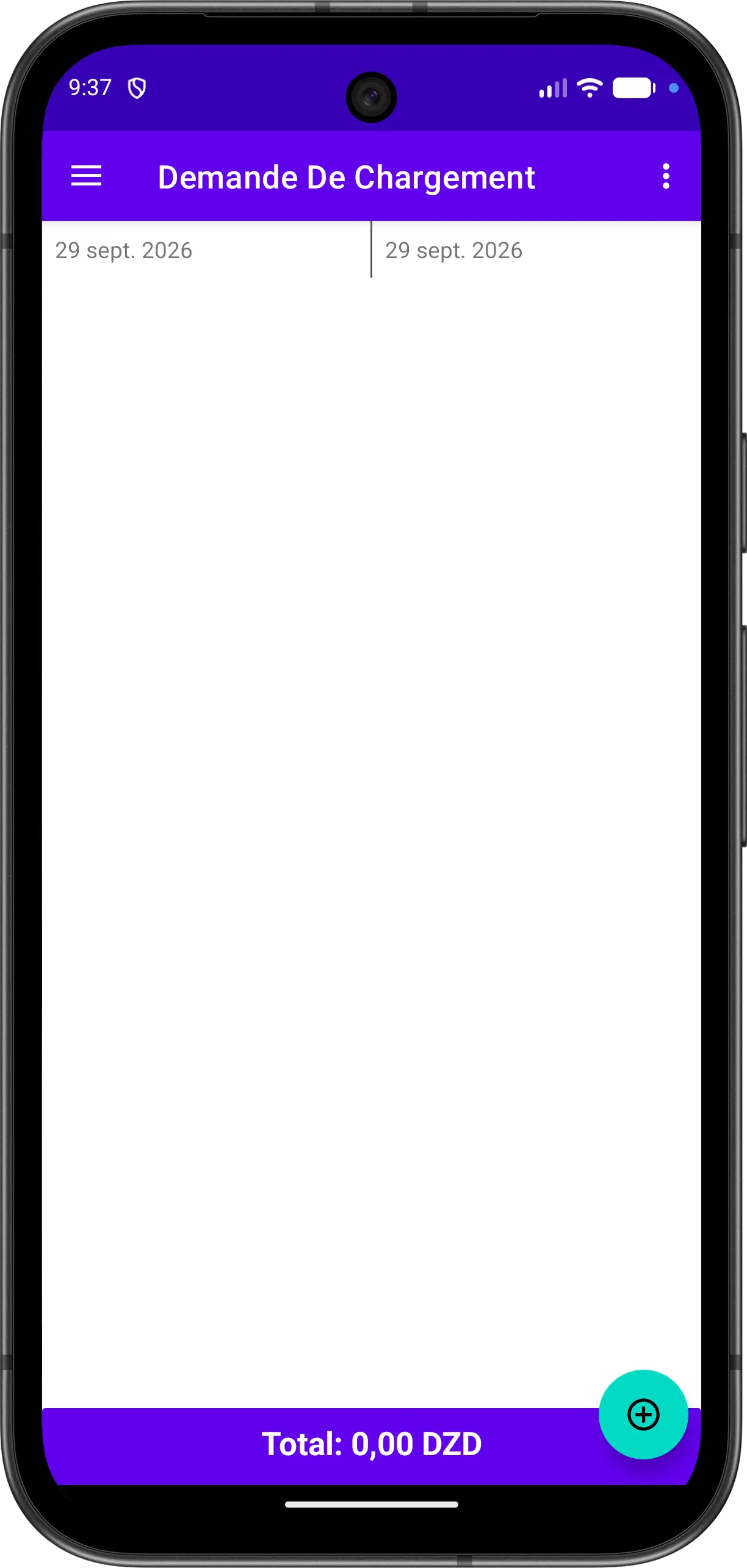
The screen displays the list of your charge requests. The date filters at the top let you choose the period to display, and the bar at the bottom shows the total of the listed requests.
Create a Charge Request
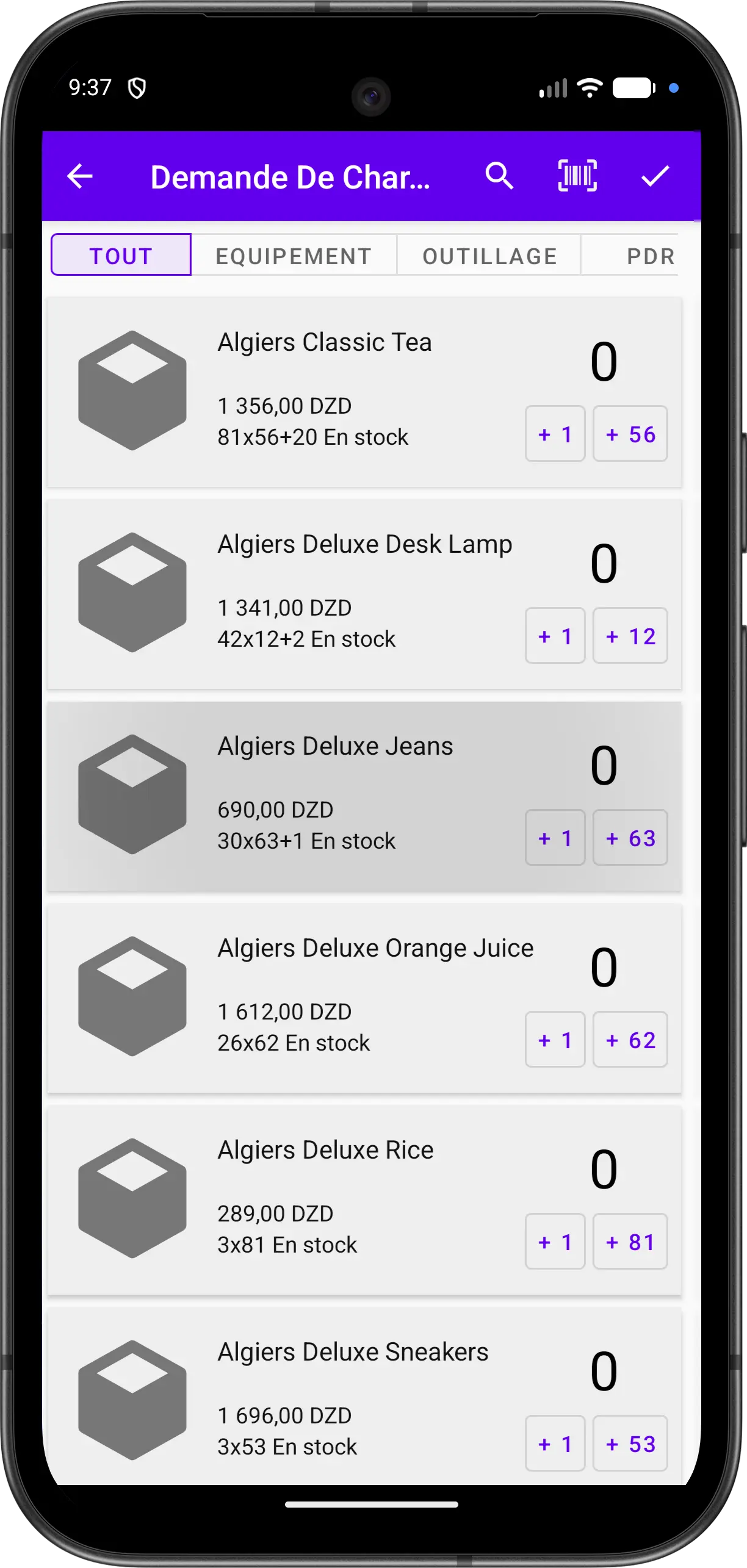
- Tap the floating button at the bottom right
- Select the products you need:
- Filter the products with the category tabs, or use search and barcode scan
- Use the quick buttons to add quantities to each product
- The price and the stock are displayed for each product
- Tap the confirm icon at the top right to save the request